ReadyKin
Keep the next little task close at hand.
Across Apple devices
Keep the next little task close at hand.
Use ReadyKin with Apple Watch to keep reminders close while preparing to leave. Review companion-device requirements and organize your plan on iPhone.
ReadyKin · formerly Before Leaving
What can you do with ReadyKin?
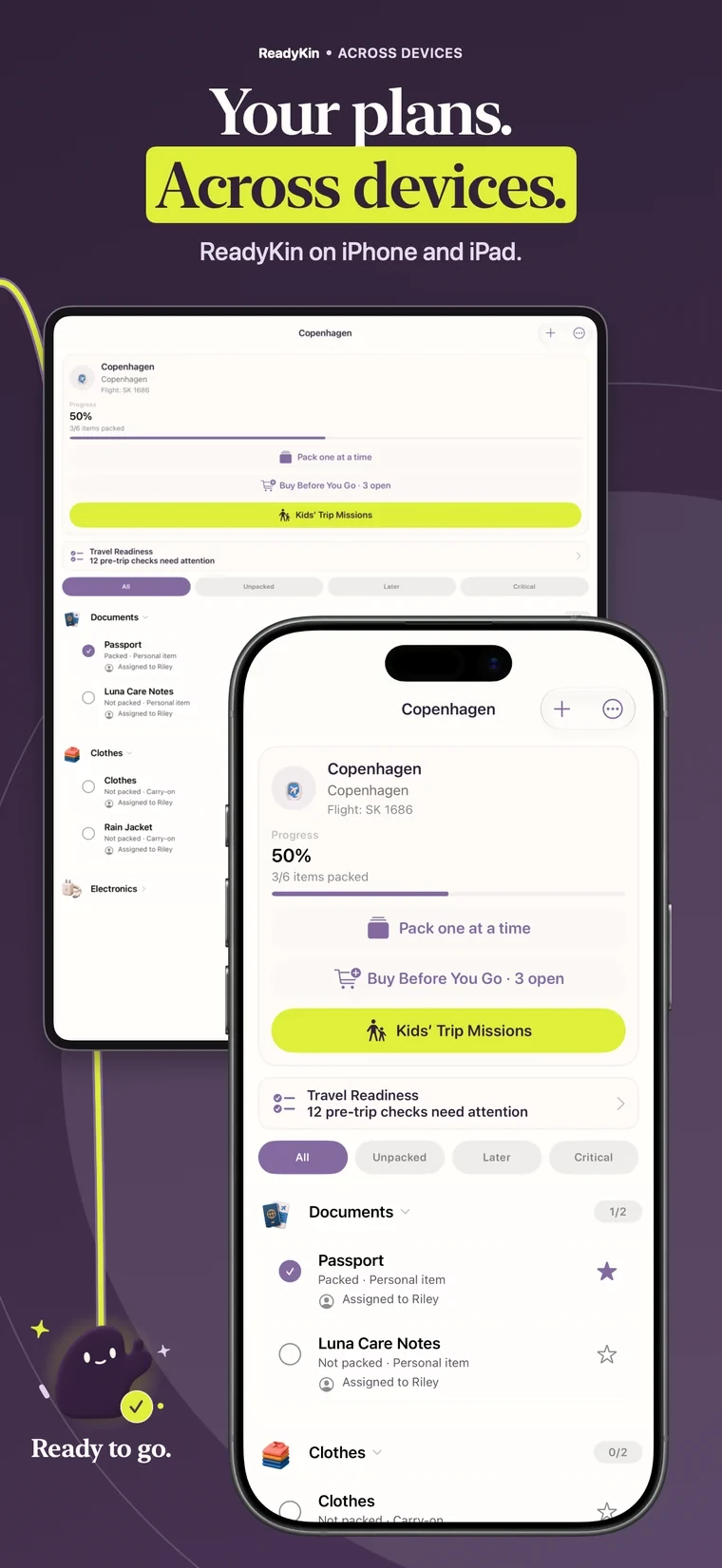
ReadyKin includes Apple Watch support alongside its iPhone and iPad experience. Use the watch as a convenient companion for reminders while keeping your larger planning tasks on the device that suits them. Check the current App Store listing for supported devices and system requirements.
From idea to action
Make it part of your routine.
Set up the app on your devices
Install the current compatible version of ReadyKin and make sure the companion experience is available on your watch. Check the App Store rather than relying on an old requirements list.
Prepare the plan on iPhone
Create the reminder or checklist with clear, short item names. Do the detailed trip planning and editing where you have enough room to review everything.
Check the watch experience
Open ReadyKin on the watch and check which reminders and actions are available. Test notifications and companion behavior before relying on them for an important task.
Make the reminder easy to understand at a glance
A watch is most useful when the next action is short and specific. “Pack the charger” is clearer than a long note about all the electronics you might need. Keep extra explanation in the plan you prepare on iPhone.
For a larger trip, finish the main packing work first. Let the watch support the remaining small actions rather than expecting it to replace every planning screen.
Compatibility is a current-version question
Device requirements can change as the app develops. Check the App Store compatibility section for the version available to you, and review the watch companion settings on your own devices.
If the watch does not show what you expect, make a note of your iPhone model, watch model, operating system versions and ReadyKin version. Those details make it easier for support to investigate.
Your questions, answered.
Does ReadyKin support Apple Watch?
Yes. ReadyKin includes Apple Watch support. Check the current App Store listing for compatibility and the companion options available in your version.
Is every iPhone feature available on Apple Watch?
Do not assume full feature parity. Use iPhone or iPad for detailed planning and check the actions supported by the watch app.
Where can I check the minimum system version?
The App Store compatibility section is the place to check the requirements of the current release.
What should I send support about a watch issue?
Include your iPhone and Apple Watch models, their operating system versions, your ReadyKin version and a description of what you expected and what happened.
Keep preparing
There is a little more to explore.
Before-Leaving Checklist & Reminder App
Build a before-leaving checklist with ReadyKin. Organize everyday essentials, set reminders in advance and make the last few minutes less rushed.
Reminders by placeLocation-Based Reminders for iPhone
Create arrival and departure reminders in ReadyKin for iPhone. Connect a task to a place and learn when a timed reminder is the better choice.
Trip preparationPacking List App for iPhone & Shared Trips
Organize trip essentials with ReadyKin for iPhone. Build a packing list, check off what is ready and keep shared travel plans together before you leave.
Make the next step easier
A little more ready.
Choose the reminders and lists that fit your day.
Pricing, purchases and compatibility are listed in the App Store.
